Create new Safe Account
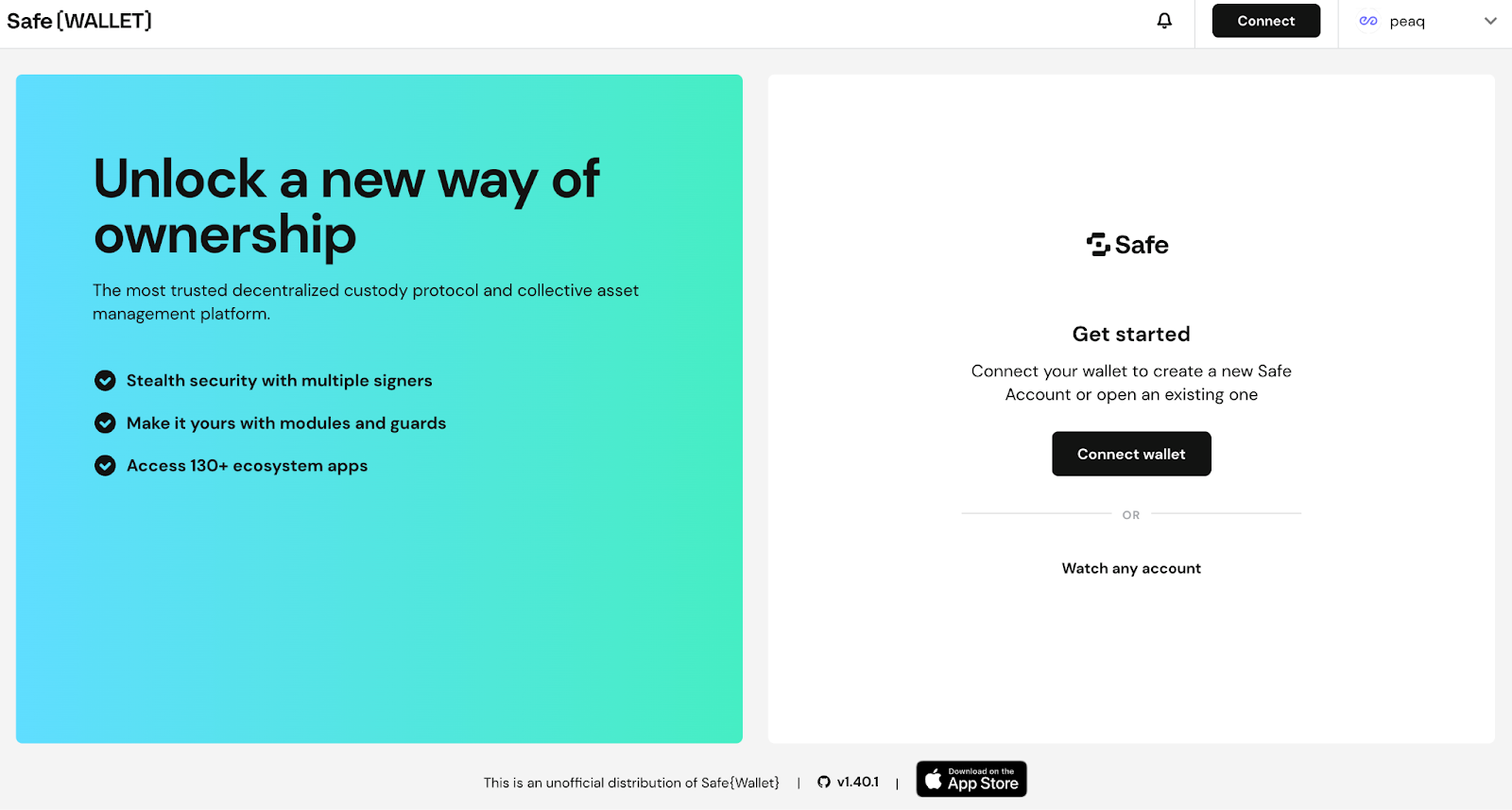
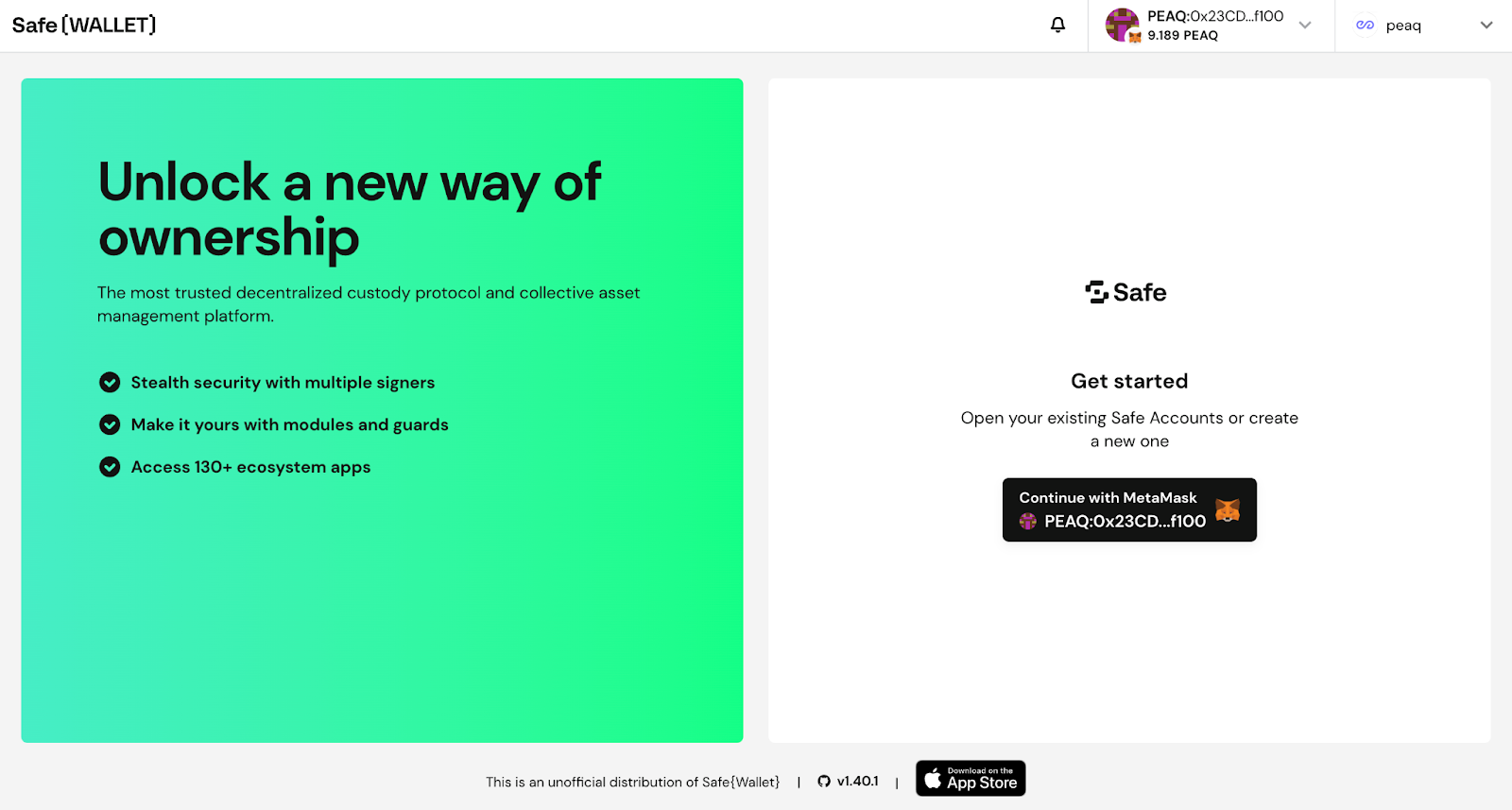
- Go to safe.peaq.xyz and click Connect wallet
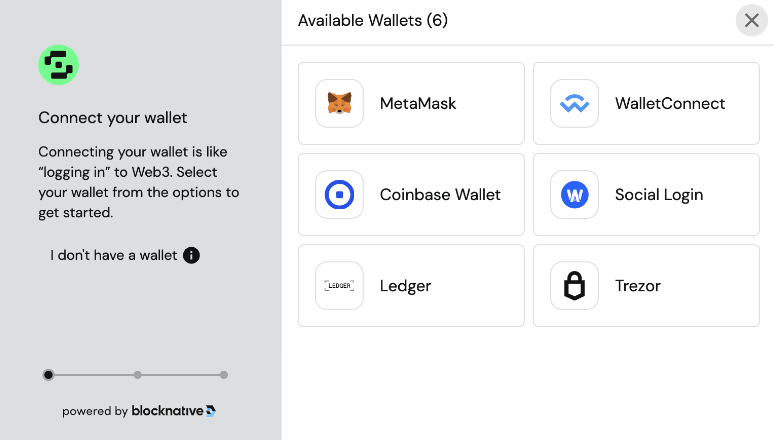
- Choose your wallet. The screenshots here use MetaMask.
- Check that peaq is the selected network and that you are on the account you want as the first owner
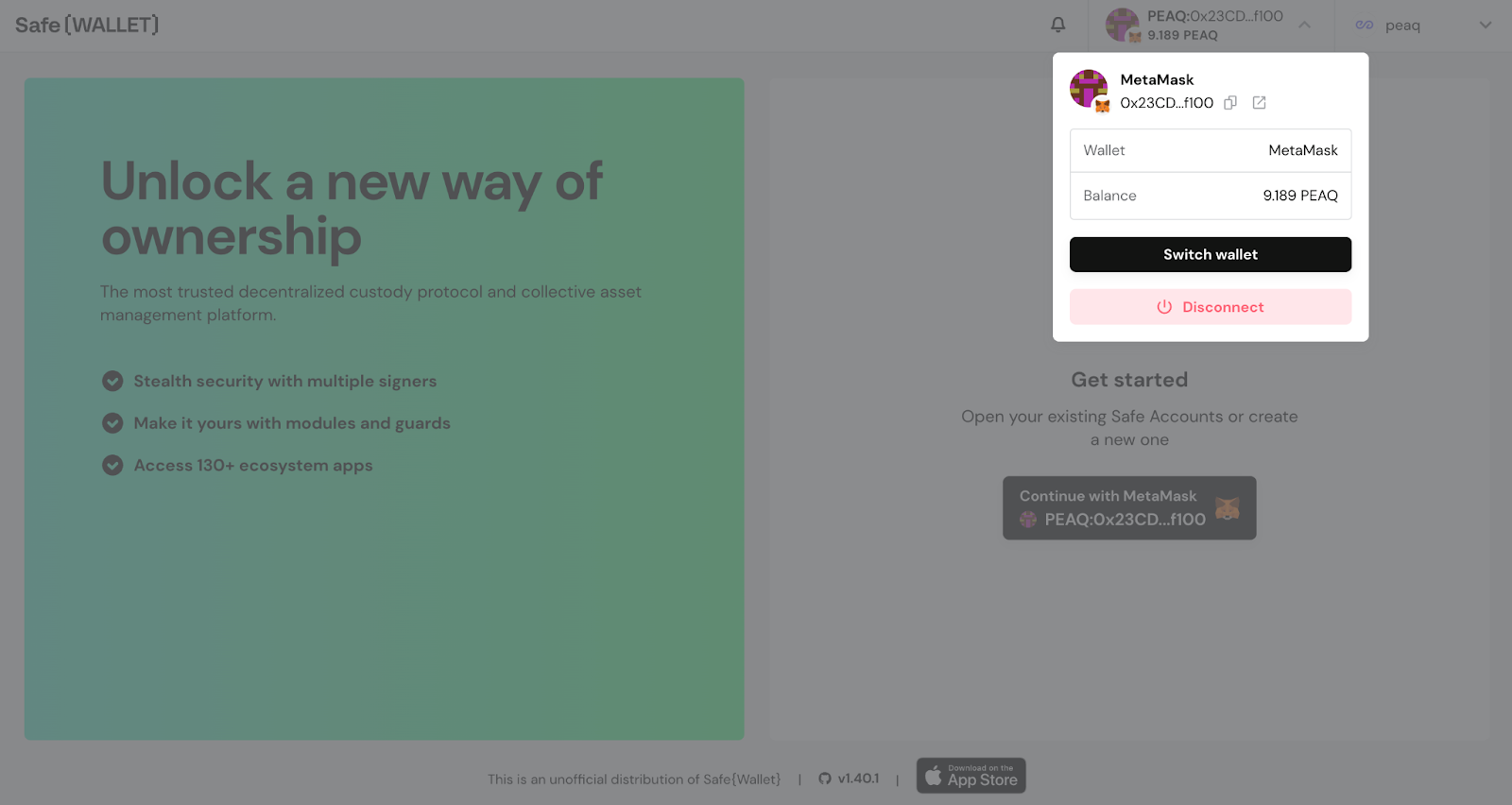
- Press Continue with MetaMask
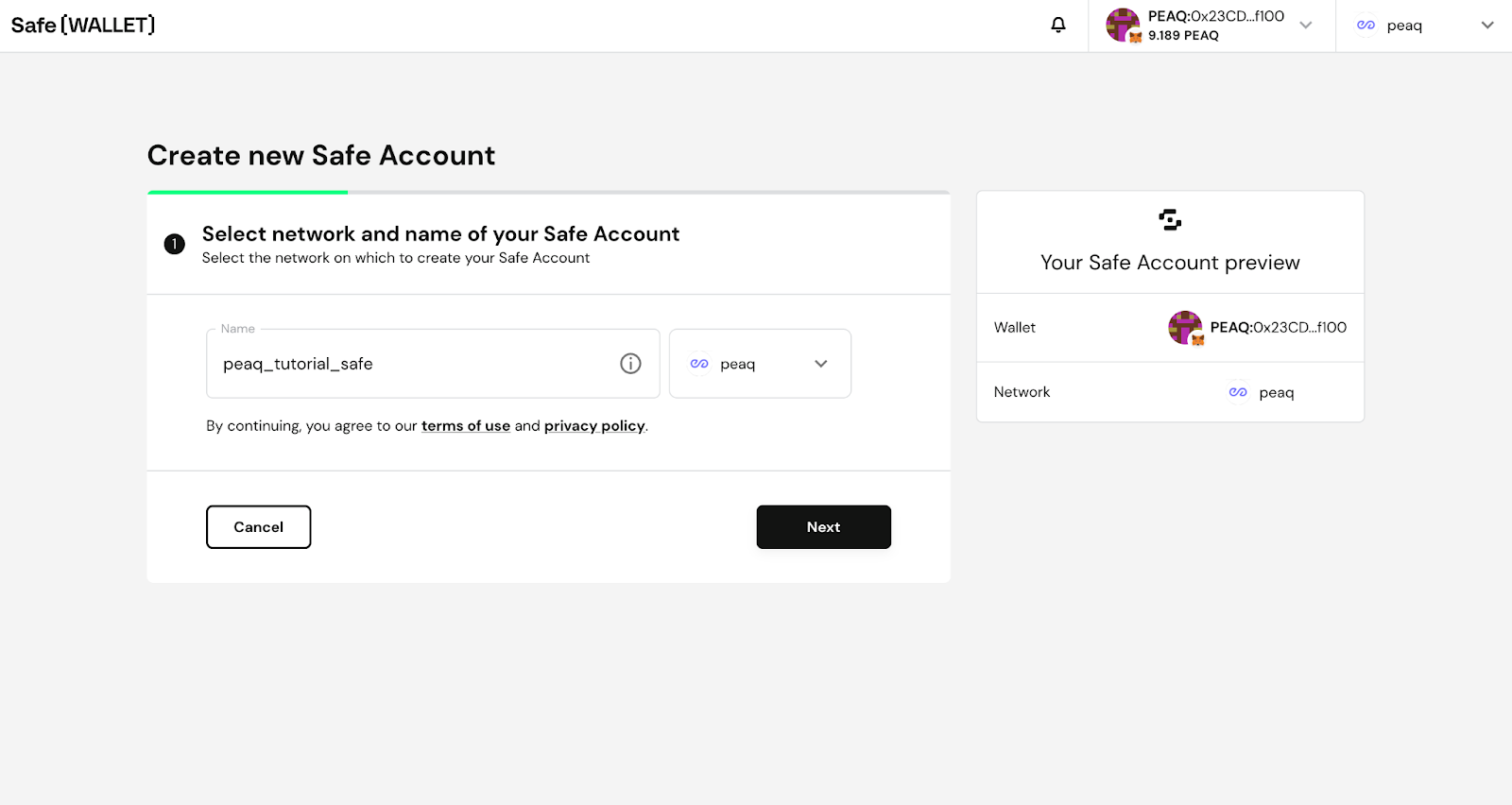
- Select peaq as the network and name your Safe
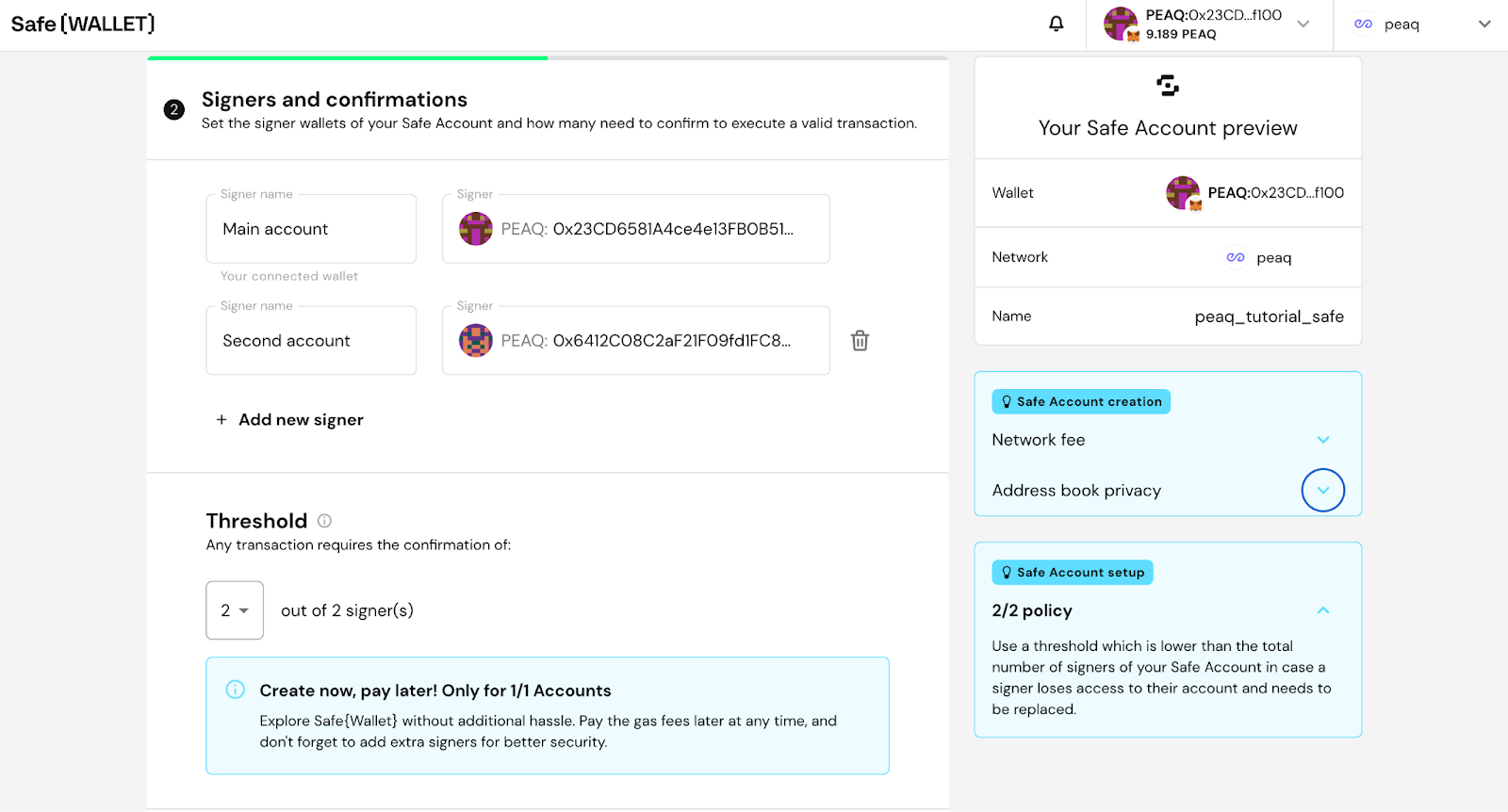
- Add further owners if you need them. For each one:
- Click Add new owner
- Give the owner a name
- Enter the owner’s address
- Set how many owners have to confirm a transaction
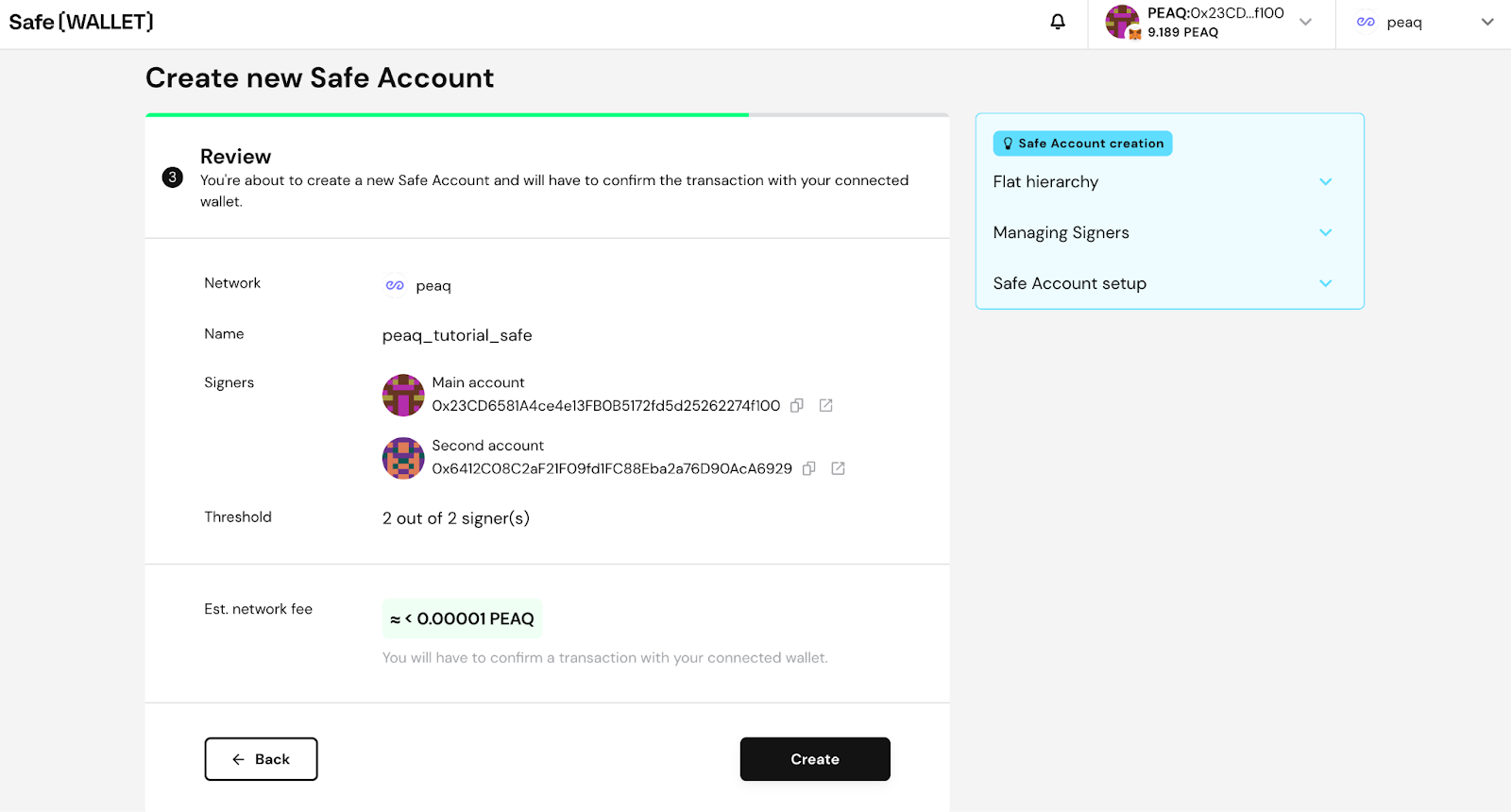
- Press Next
Receive $PEAQ tokens with SAFE
- Copy your Safe address on peaq
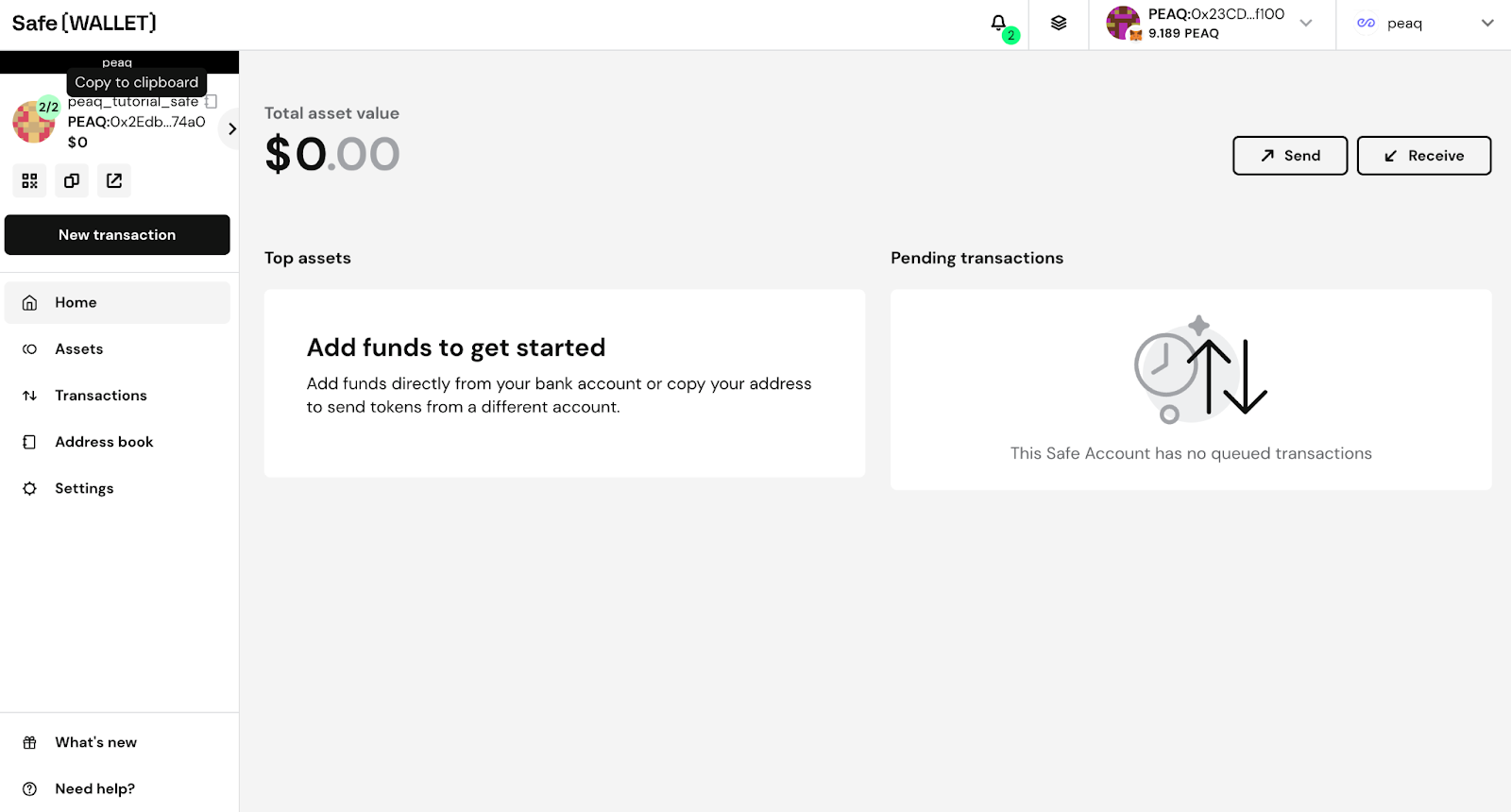
- Send $PEAQ tokens to that address from MetaMask or any other EVM wallet
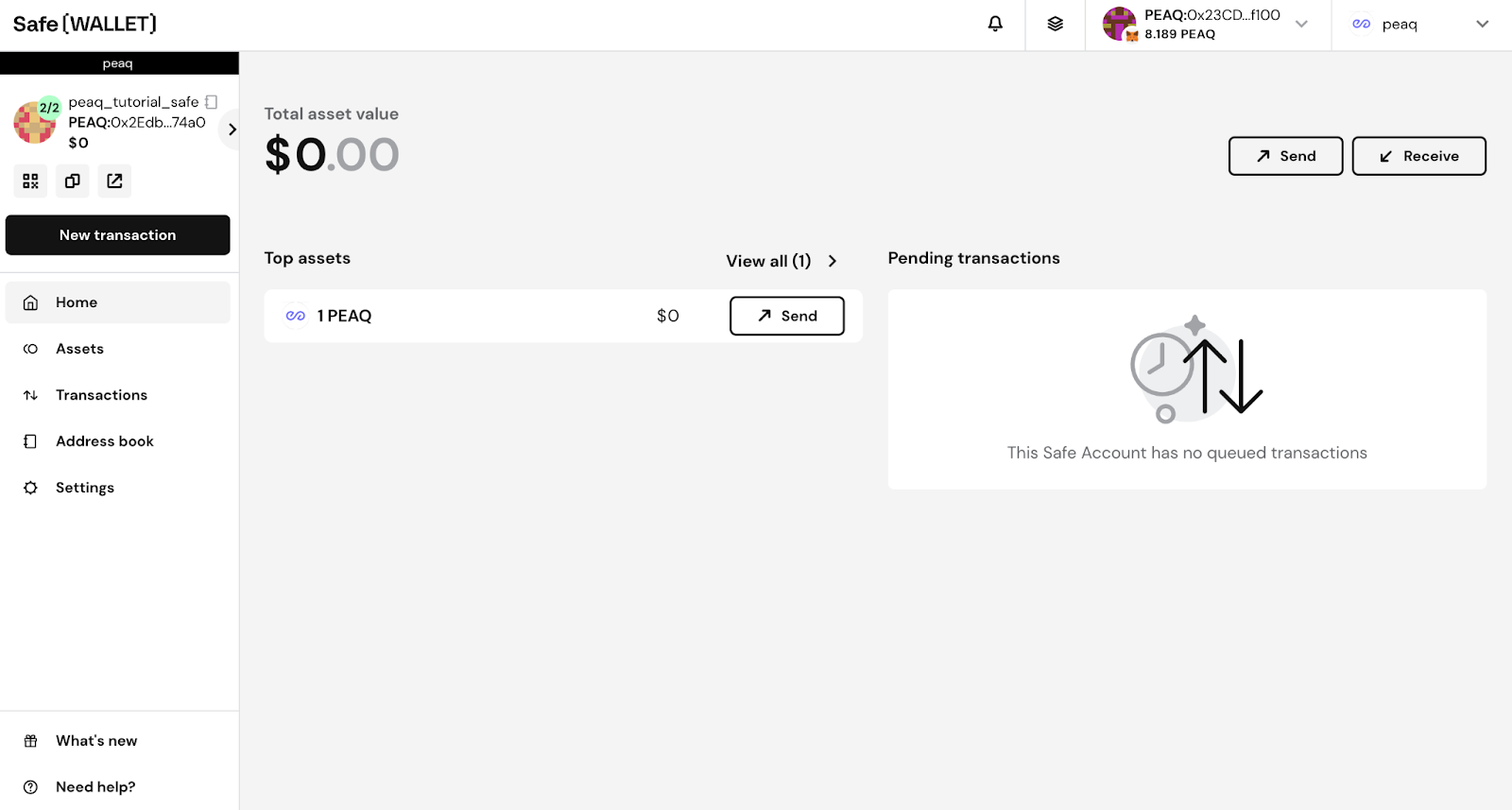
Send $PEAQ tokens with SAFE
- To send PEAQ, click Send
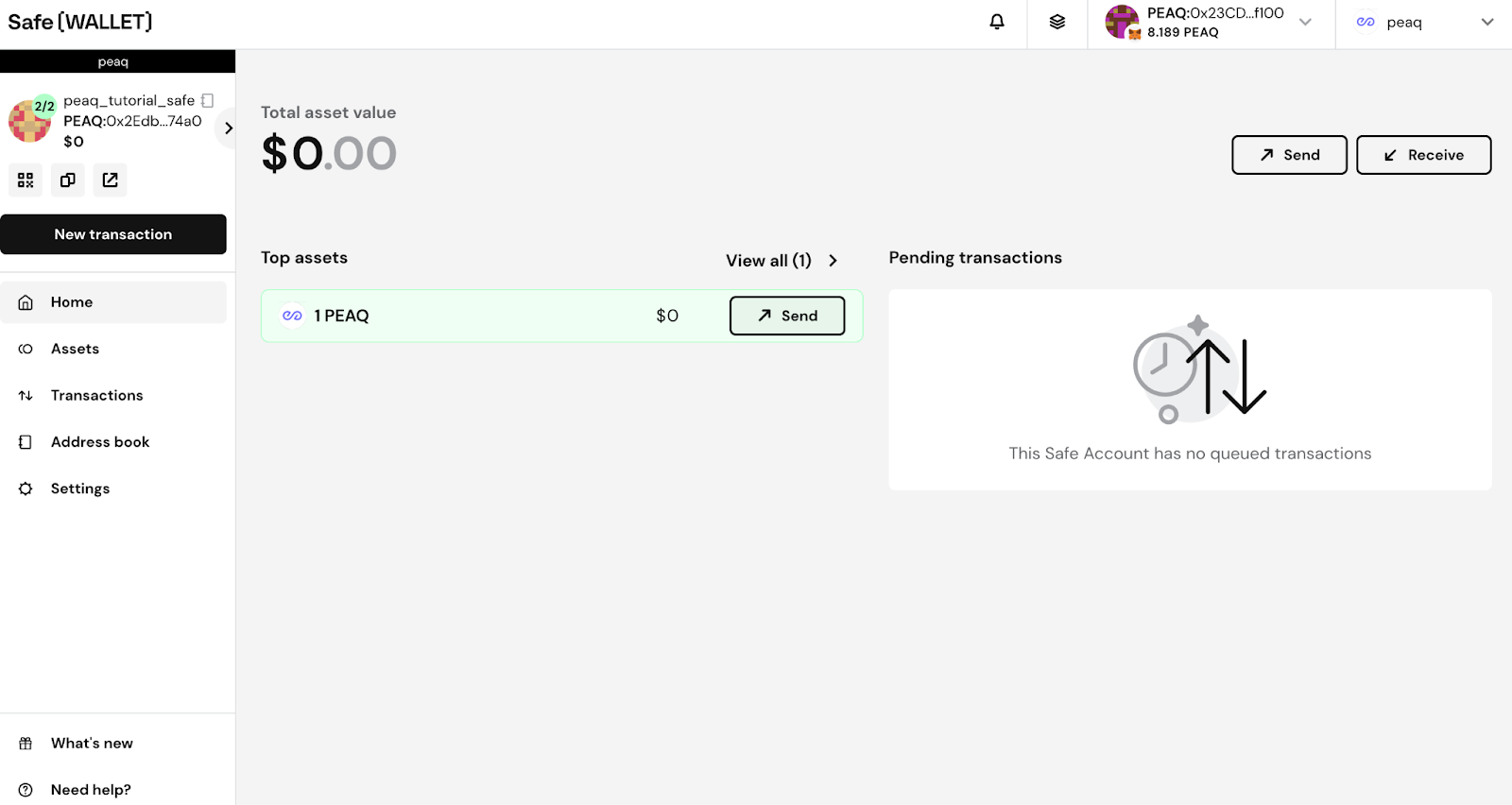
- Enter the recipient and the amount, then click Next
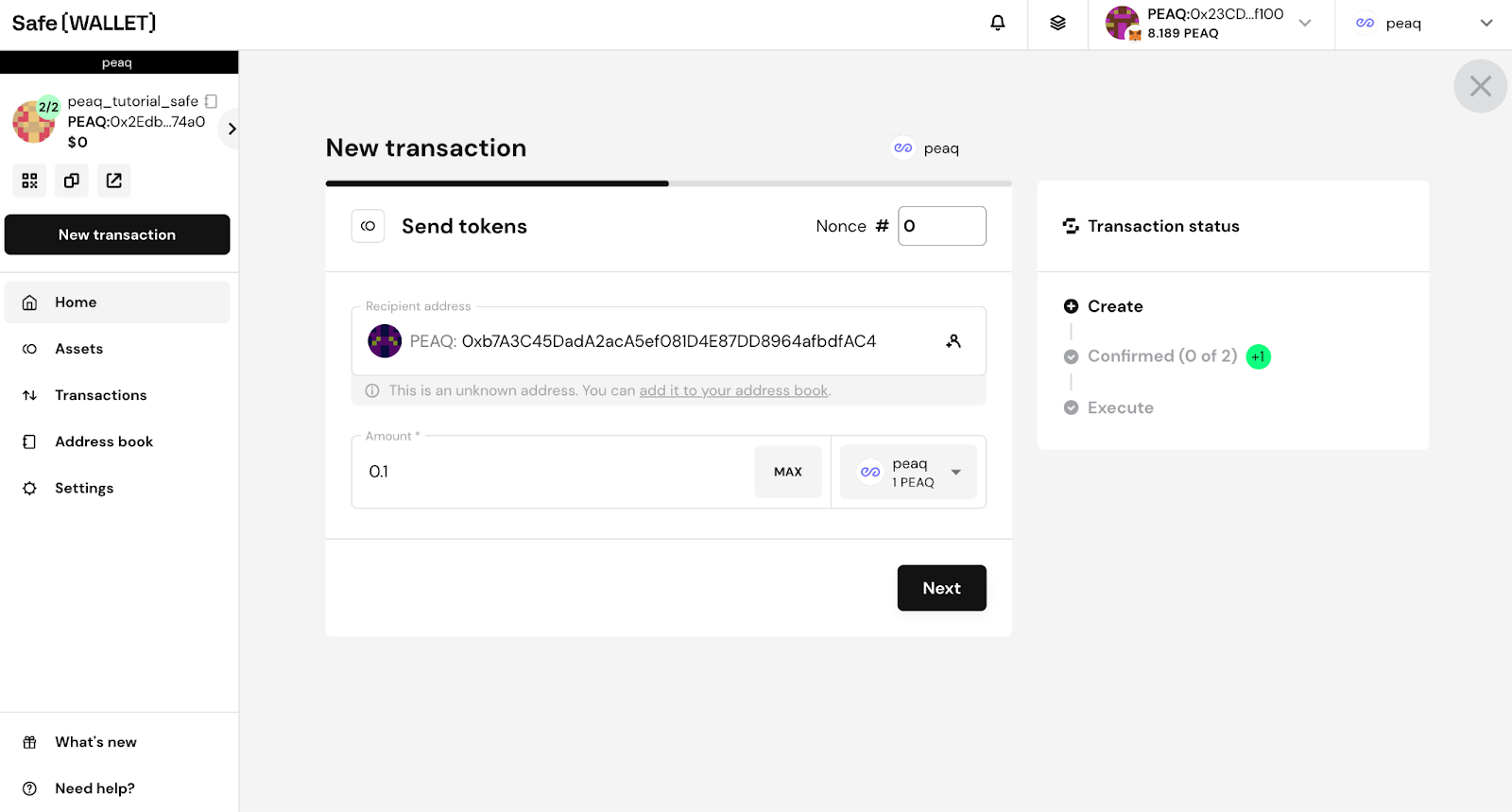
- Review the transaction and click Execute
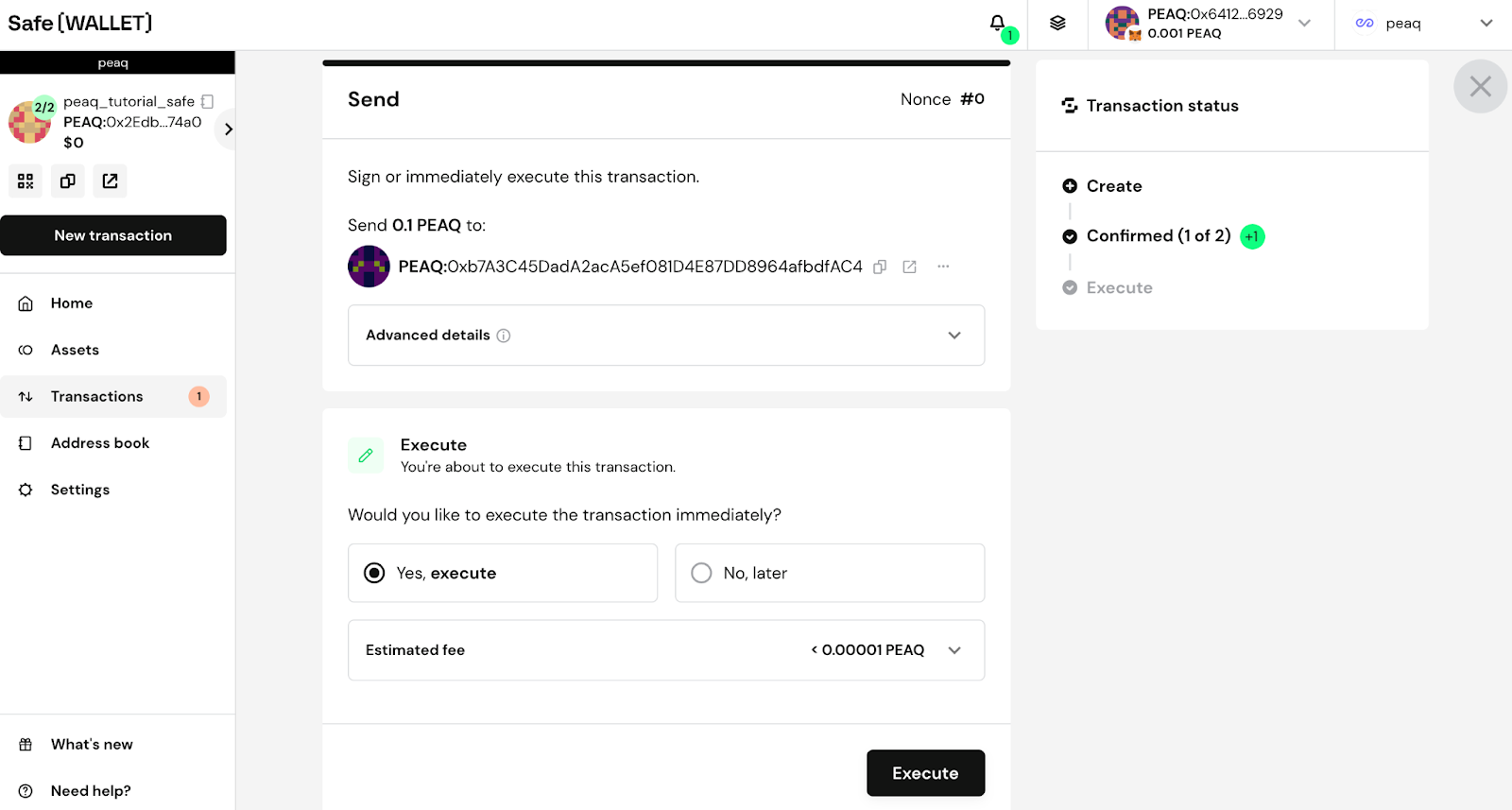
- Sign the transaction with your signer wallet. It executes right away if the Safe threshold is one signature, otherwise it waits for the other signers.
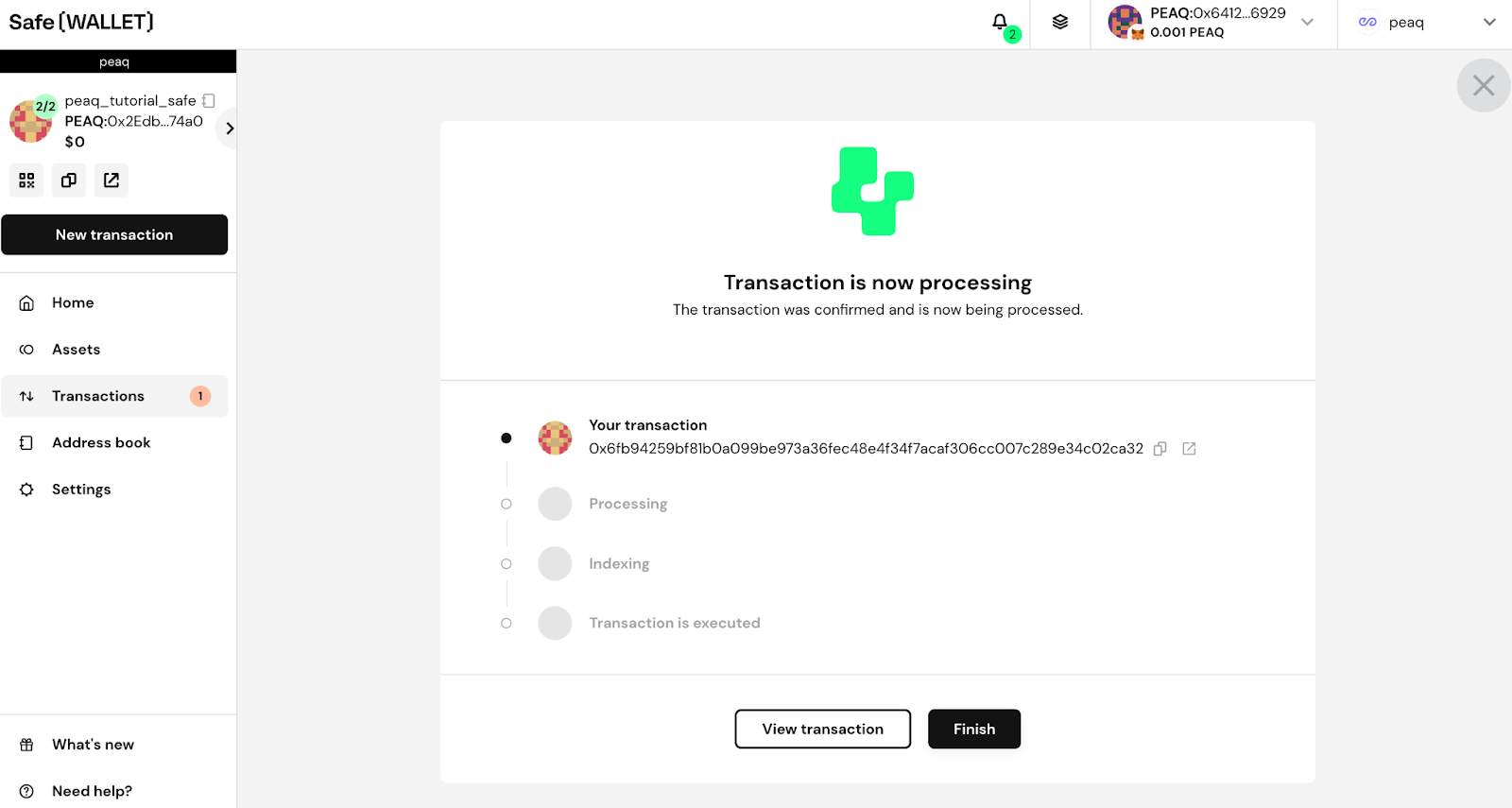
- Once every required signer has signed, the Safe shows this: