The screenshots on this page show an earlier version of the peaq app. The steps are the same; the screens look different today.
Add to your stake
-
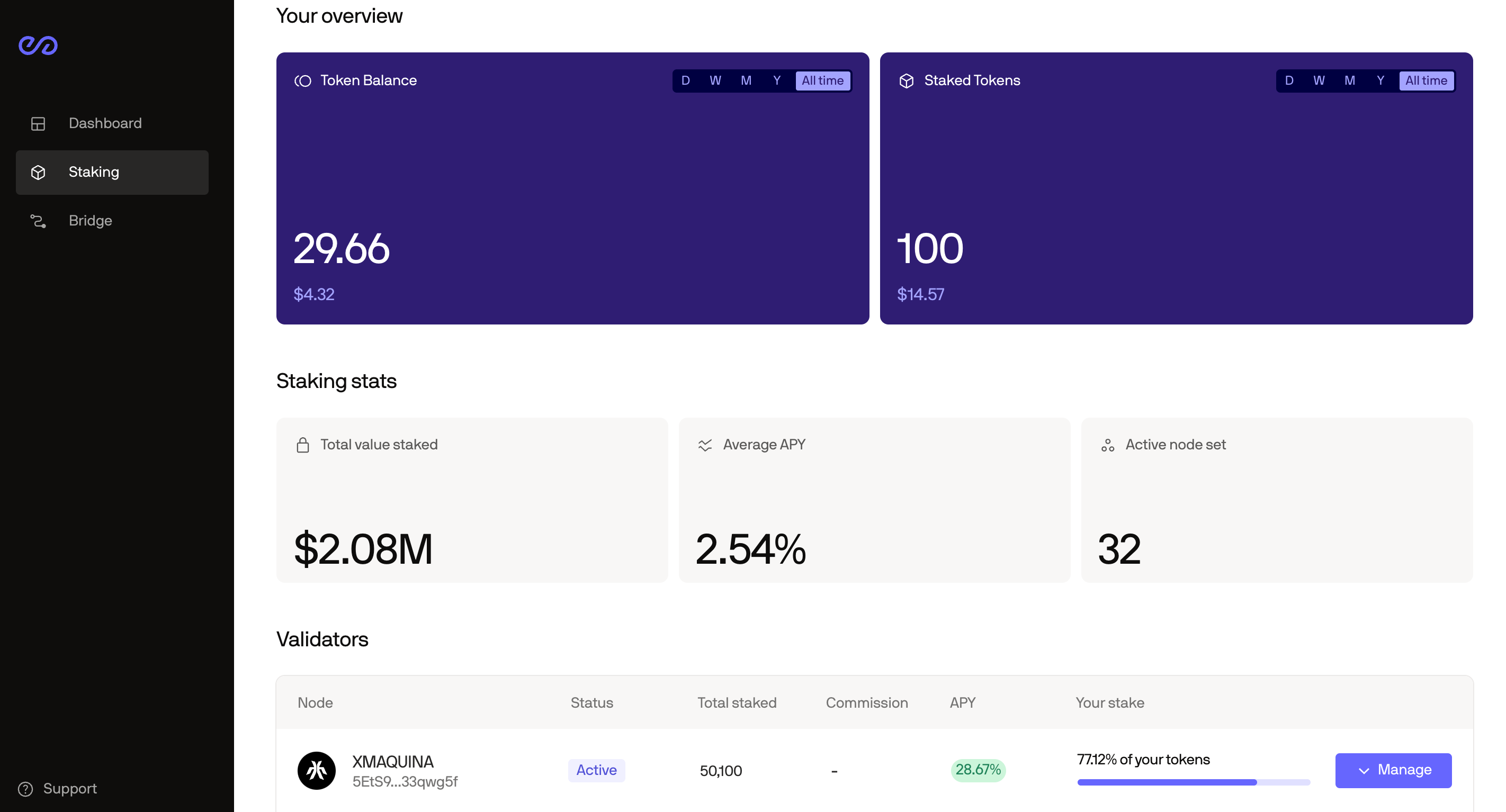
Find the validator you staked with and click Manage.
-
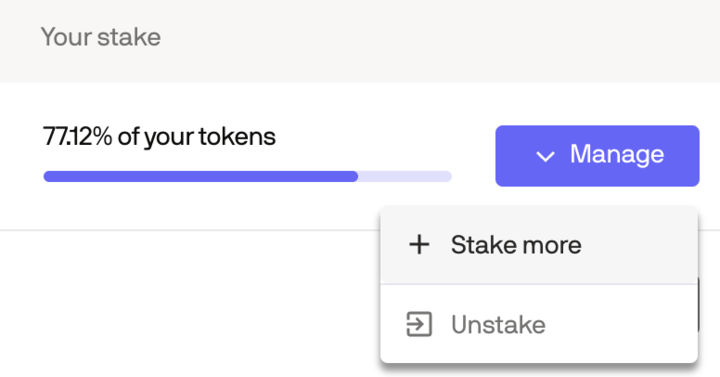
Click Stake more.
-
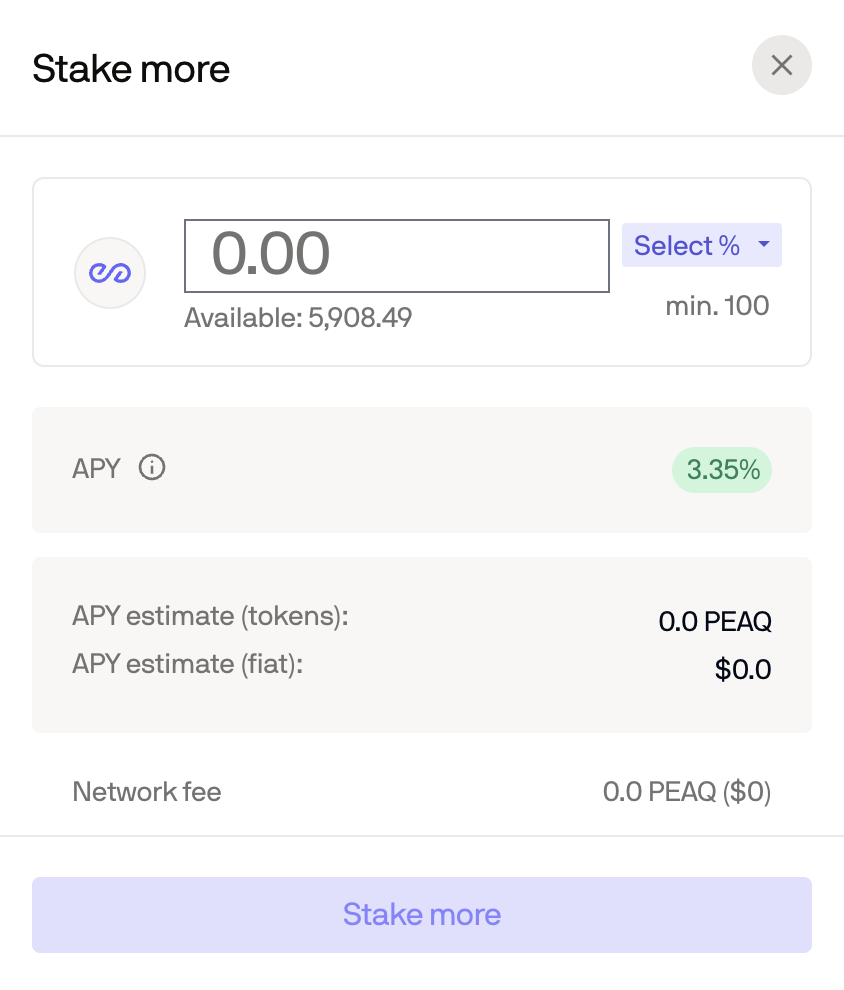
Enter the additional amount of PEAQ in the pop-up window.
-
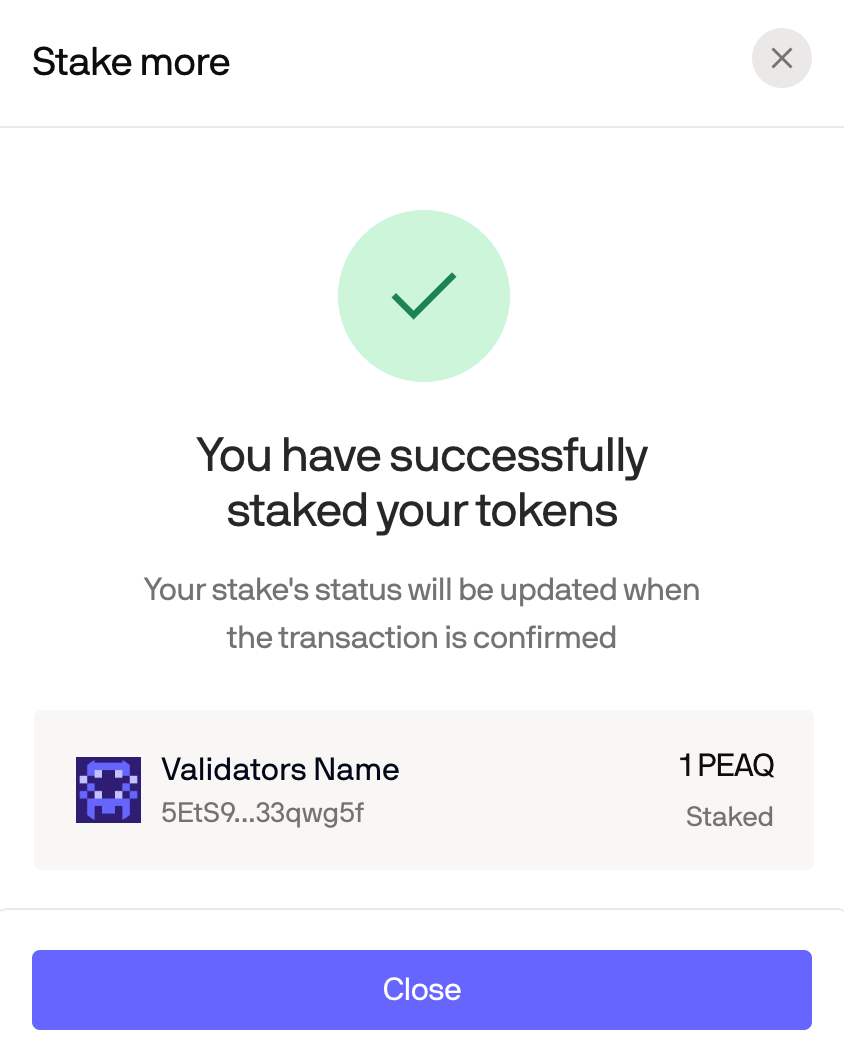
A confirmation appears once the extra tokens are staked.