> ## Documentation Index
> Fetch the complete documentation index at: https://docs.peaq.xyz/llms.txt
> Use this file to discover all available pages before exploring further.
# Join Delegator Set
> Stake your PEAQ with a validator through the peaq app. Connect your wallet, choose a validator, enter your stake, and confirm the delegation.
The screenshots on this page show an earlier version of the peaq app. The steps are the same; the screens look different today.
## Stake your PEAQ
1. Open the [peaq app](https://app.peaq.xyz/stake).
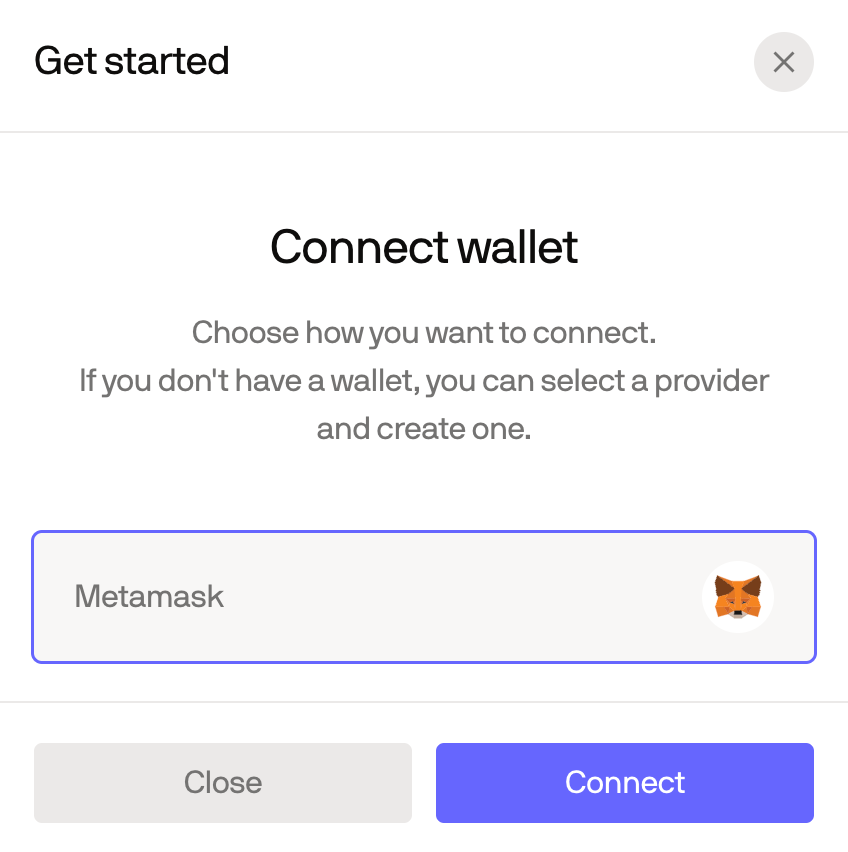
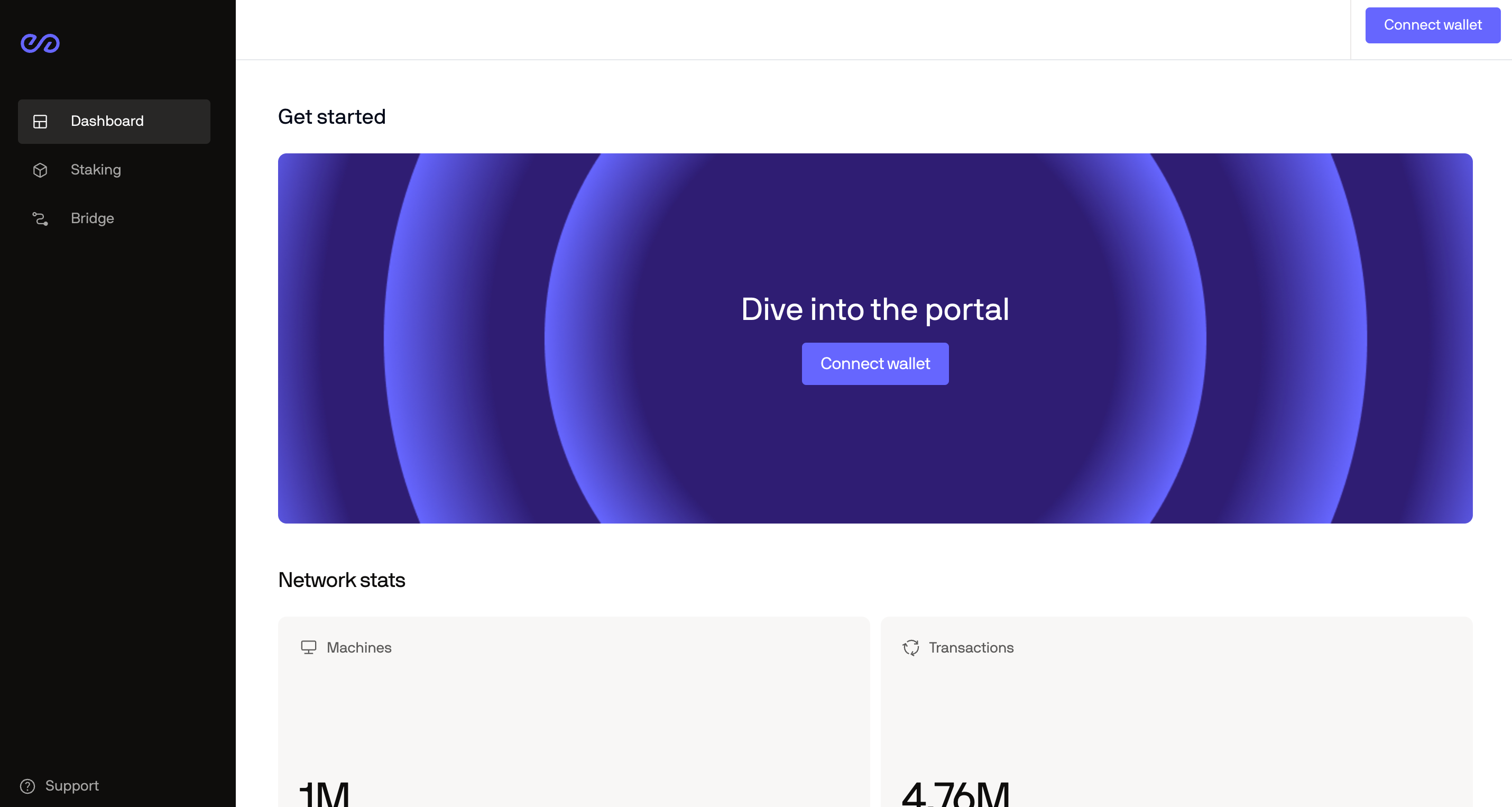 2. Connect your wallet.
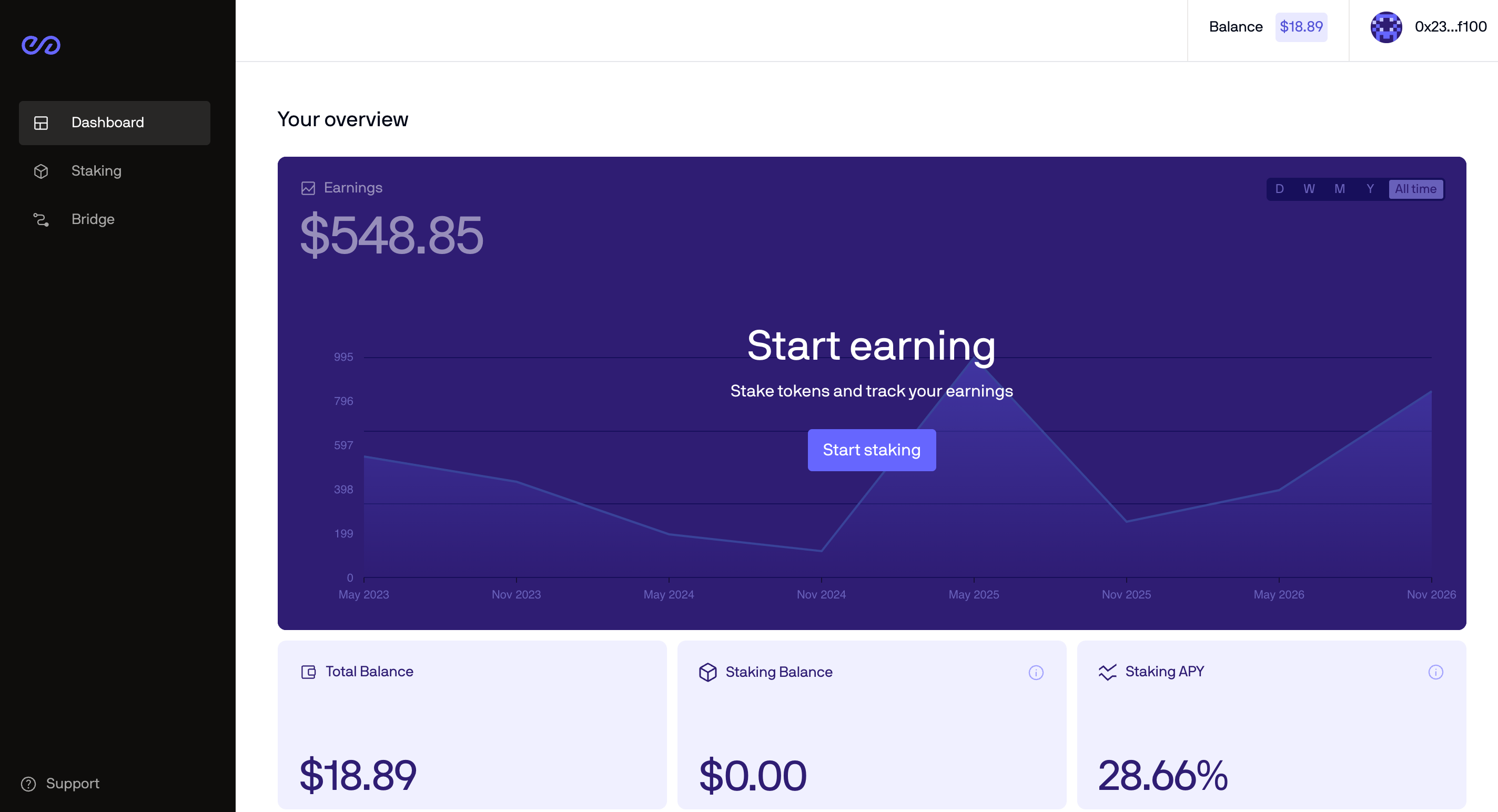
 3. The dashboard opens once your wallet is connected.
 4. Click **Stake** in the left sidebar.
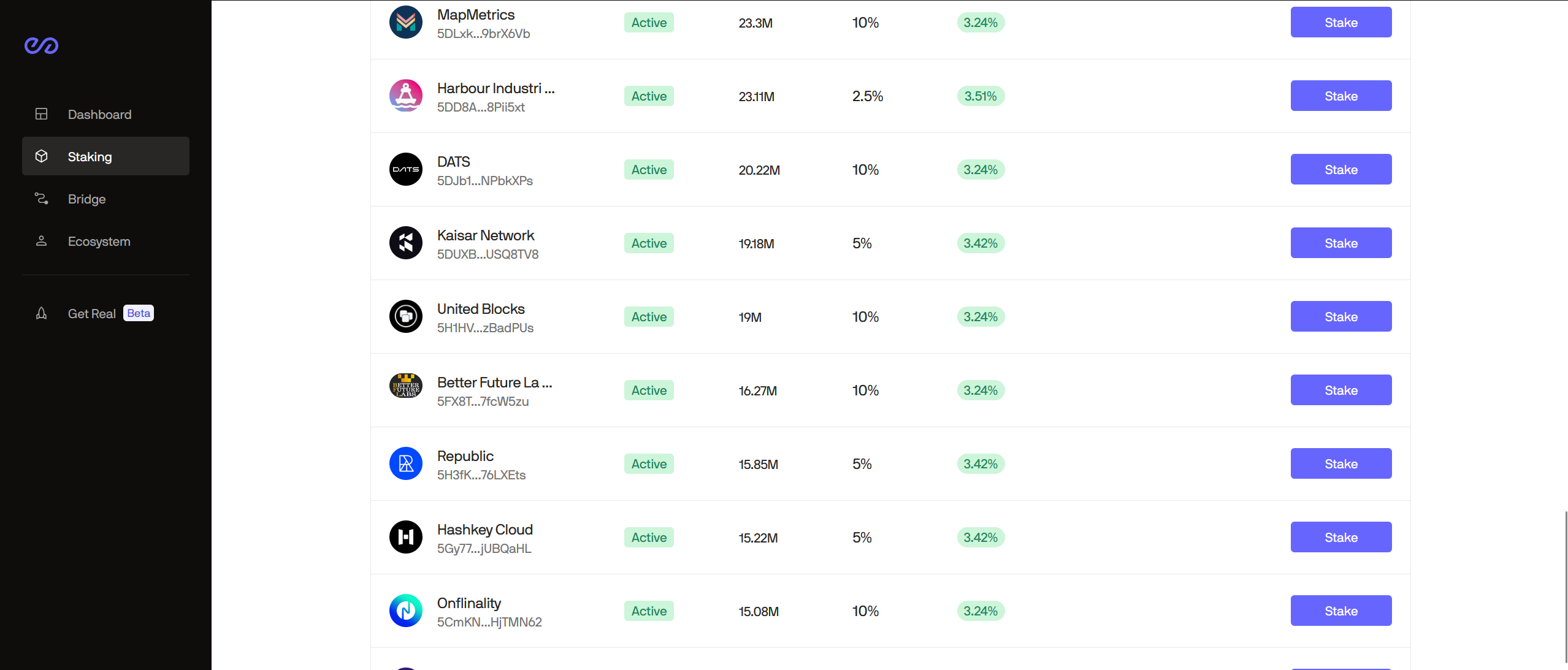
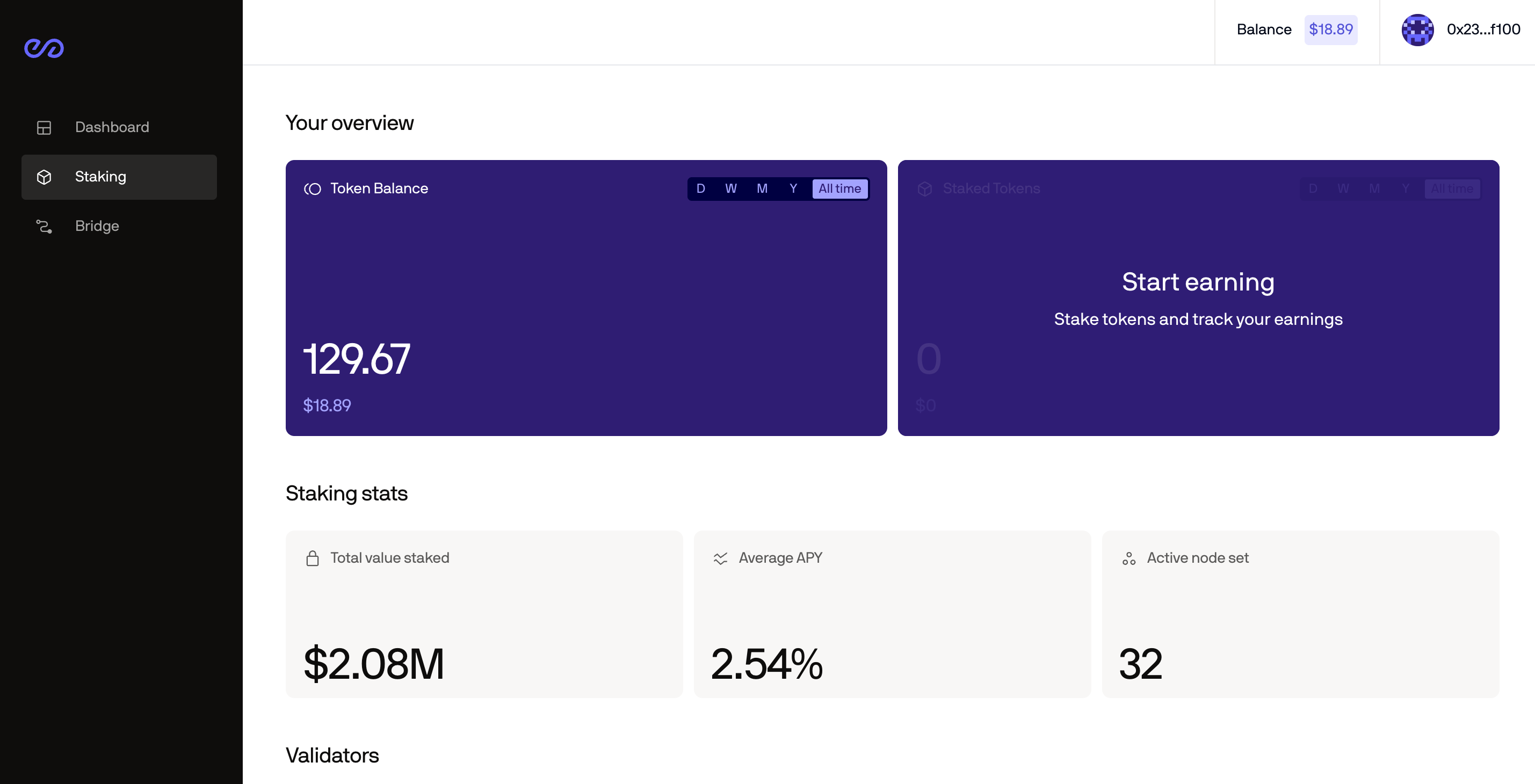 5. Scroll down to the list of validators and click **Stake** on the one you picked.
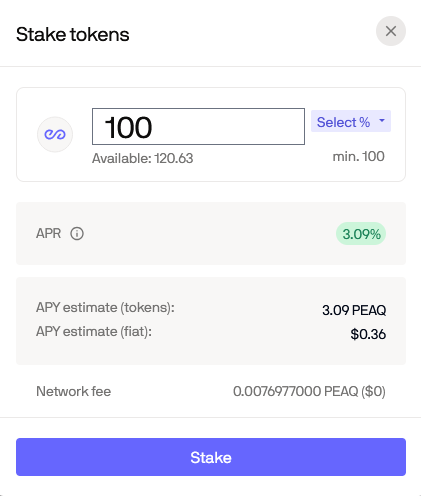
 6. Enter the amount of PEAQ you want to stake and click **Stake**. The minimum is 100 PEAQ.
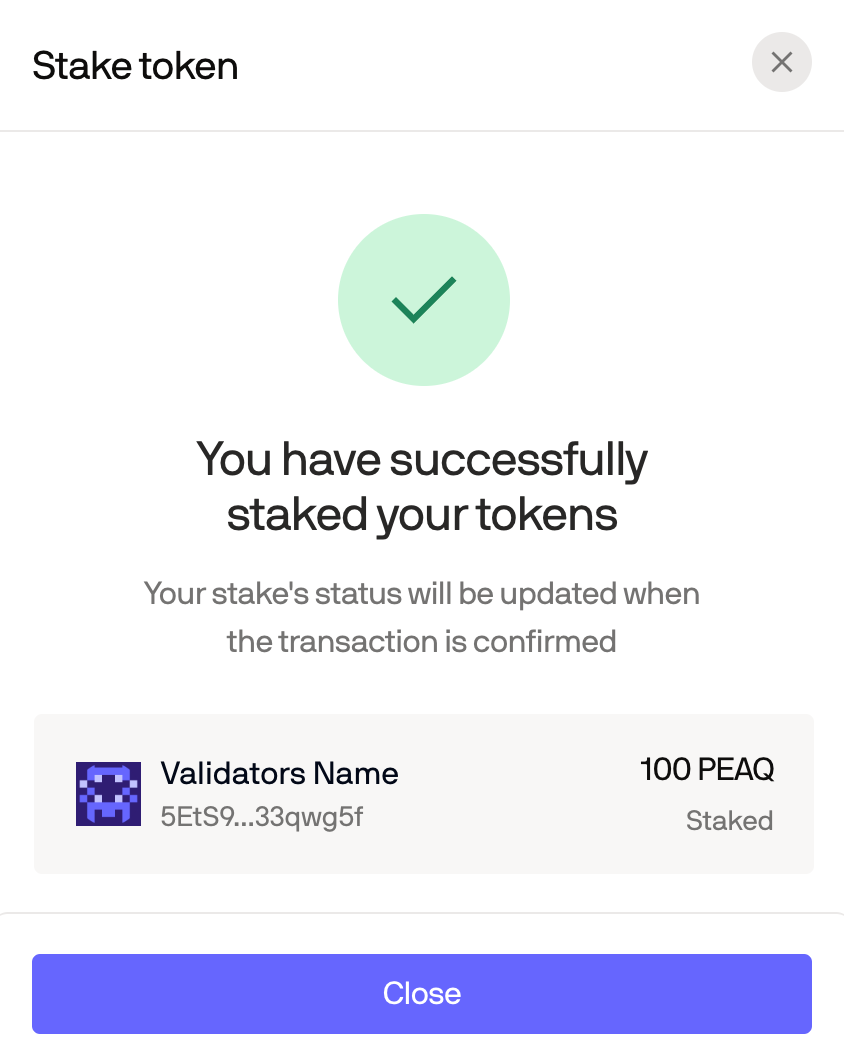
 7. A confirmation appears once the stake goes through.
 This documentation is built and hosted on [Mintlify](https://mintlify.com), a developer documentation platform.